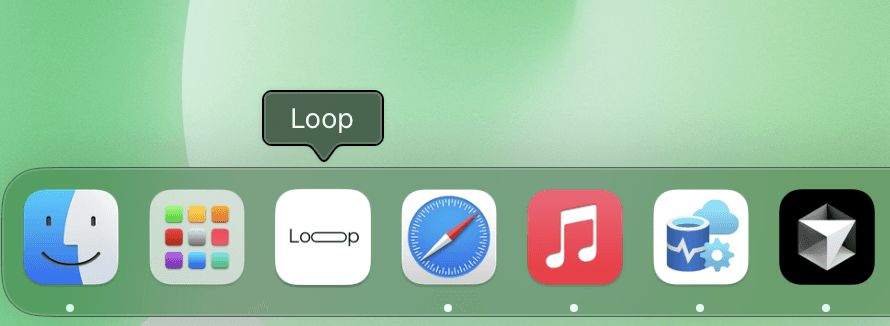
Add the Loop Dashboard to
Your Desktop for Quicker Access
Step 2: Add to Home Screen / Desktop
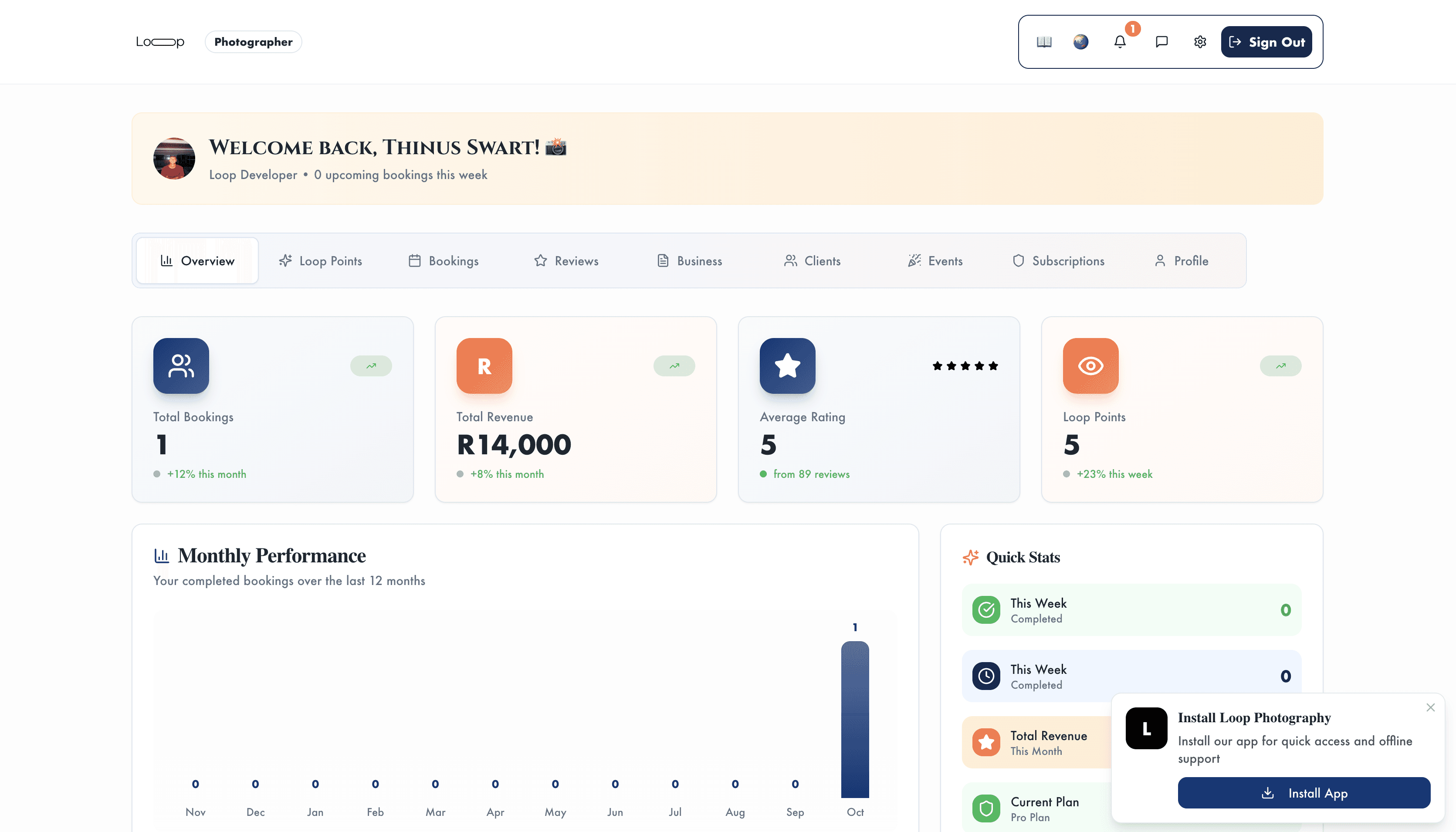
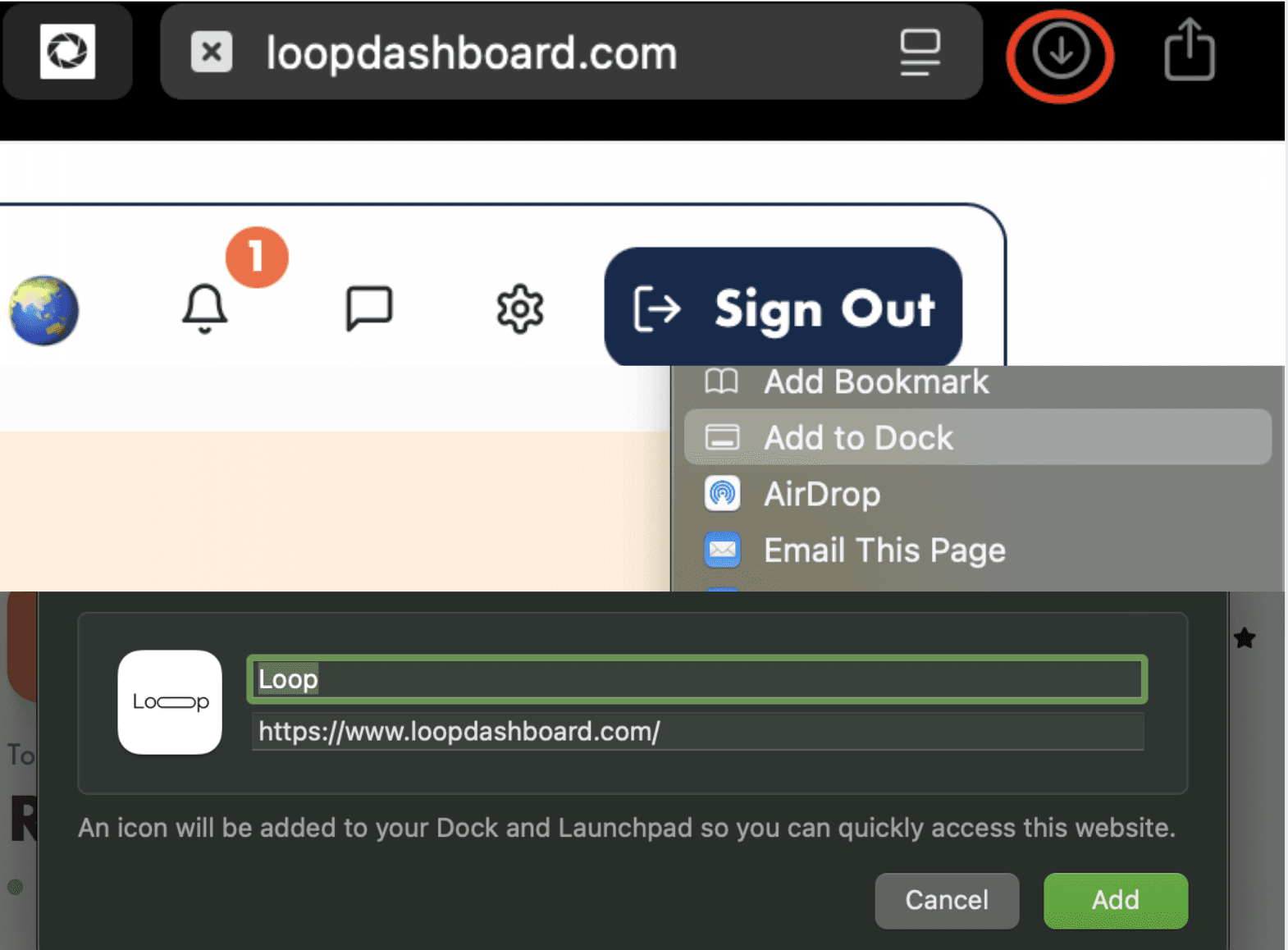
Either click the "install app" button and follow the prompts or do this:
iOS/Android (Safari): Tap the Share icon at the bottom of the screen Scroll and select “Add to Home Screen” Give it a name (like “Loop Dashboard”) and tap Add Android
IOS/Android (Chrome): Tap the Menu (⋮) in the top-right corner Select “Add to Home Screen” Confirm the name and tap Add
Desktop: Use your browser’s Bookmark feature or drag the URL from the address bar to your desktop You now have a quick shortcut to your Loop dashboard